Sunday, November 14, 2010

30 for 30 Roundup: Week One

Last week I signed up for the 30 for 30 challenge,
Below are my choices for the first week!

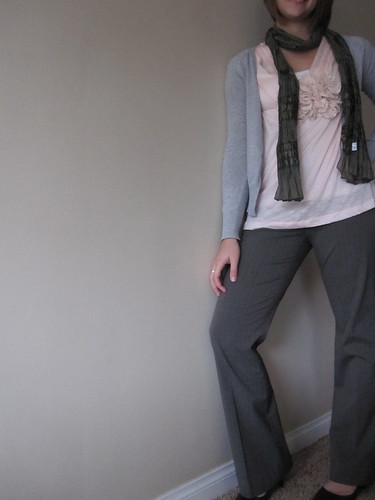
So far it has been surprisingly easy. I hardly had to rewear anything, and I still have a lot of pieces you won't seee until later on.The first 5 are work days, my outift for Saturday worked from breakfast at a cafe with MIL to shopping, to a play, and date night with E (versatile!) Then todays outfit was for church.

Week1

I learned very early on to make time to take photos in the morning, since its dark when I get home from work at night.
I'm having a lot of fun, and amazed at how easily I've been able to put together outfits with about 1/3 of my wardrobe.

Here are some more details shots/outtakes:

IMG_2216

IMG_2268

IMG_2161

IMG_2206

IMG_2267

IMG_2225

Who else is doing the 30 for 30 challenge? How is it going for you?

Saturday, November 13, 2010

Vacation Redux

I didn't share much about our trip to to Colorado in August, so I thought I'd tell you all a bit more about that.

I had a hard time writing about it at first, because it wasn't exactly our ideal vacation.

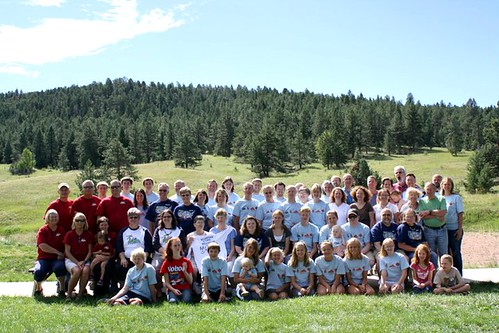
The trip was planned as a family reunion for some very extended family, most of whom I only see every three years at these family reunions. My memories of these reunions as a kid and high schooler didn't match my experience that week, and I left with mixed feelings and unmet expectations.

IMG_1599

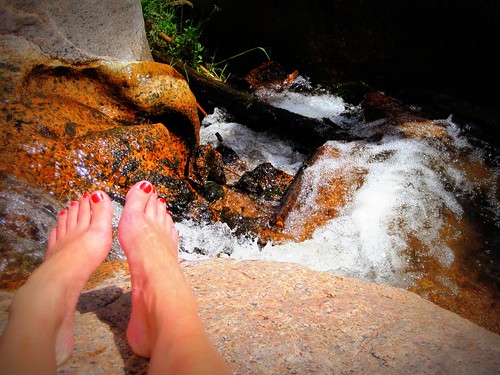
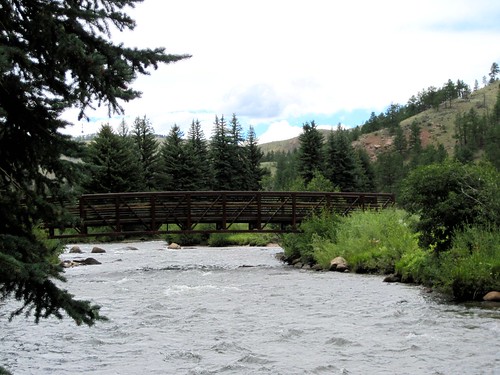
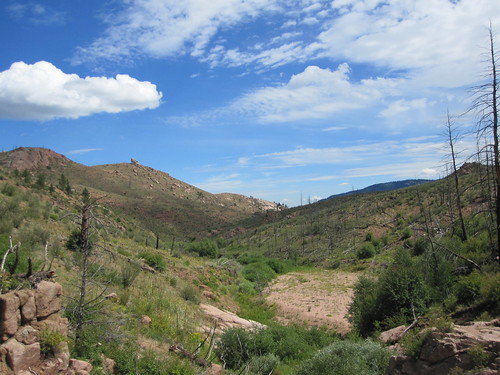
We stayed at a camp (some camped, some stayed in cabins) in rural CO, southwest of Denver. There wasn't much to do on the site (a little hiking, a pool, and volleyball court) and E and I were the only young-ish married couple without kids.

IMG_1729

The older we get and the larger the family gets, the more difficult it is to connect with distant family members. We found ourselves feeling a little out of place among a lot of people I barely knew, and E had never met.

IMG_1730

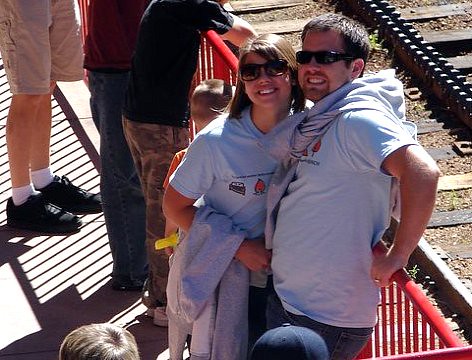
We made the best of the time we had, though. Here's a little peak into the week.

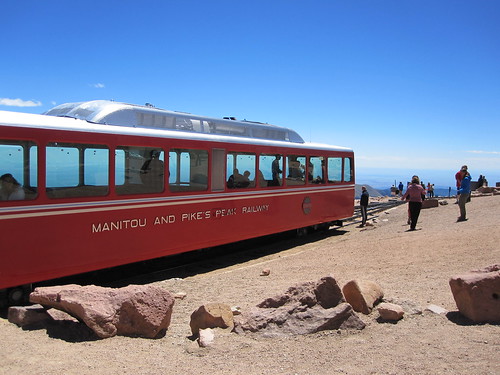
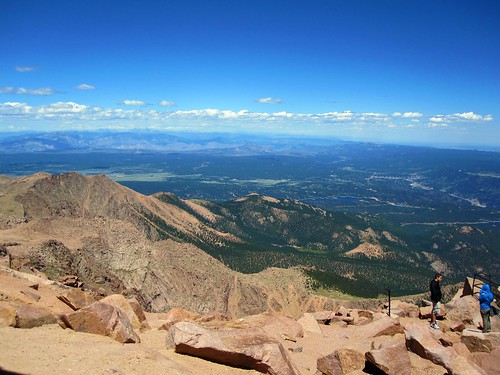
We took a Cog Rail tour up to Pike's Peak.

fam4

IMG_1712

pikespeak

IMG_1710


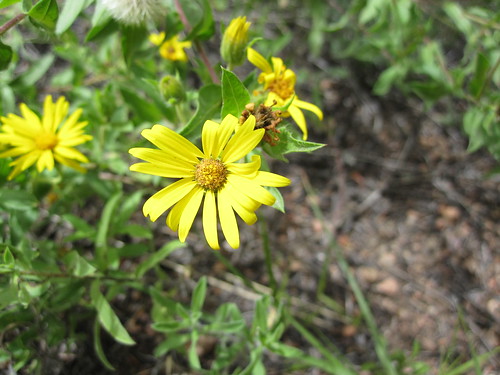
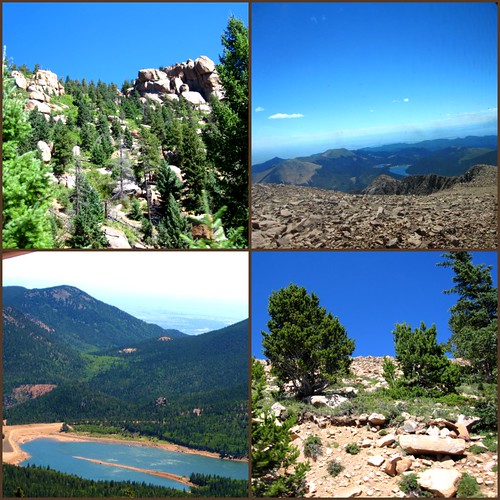
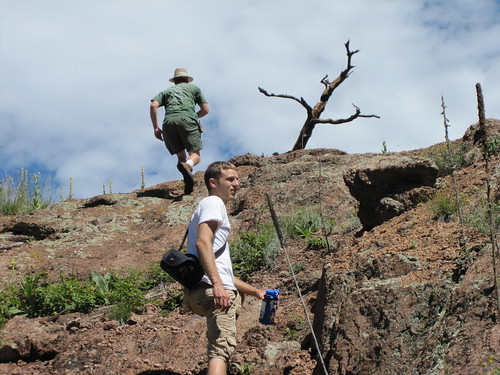
Went hiking on Long Scraggy Mtn

IMG_1597

IMG_1737

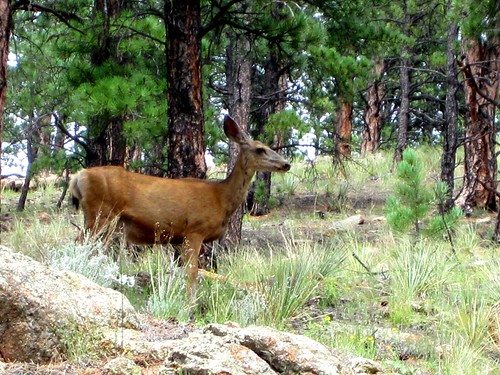
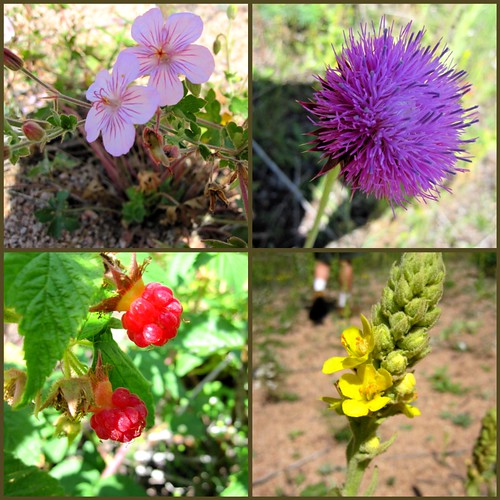
nature

kissing

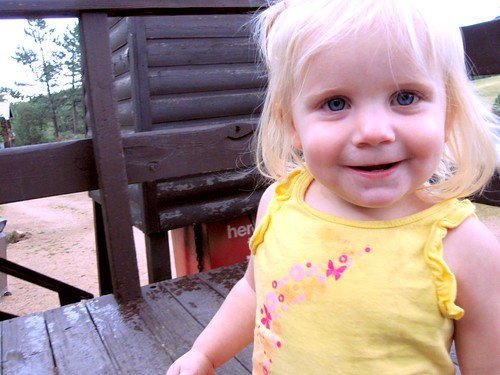
Spent time with little cousins

IMG_1572

IMG_1604

IMG_1716

IMG_1642

and older ones

familytime

IMG_1587

Whenever I look through these pictures, I'm reminded what a great family I have. There's obviously some dysfunction in every family--but mine is so huge, and close and loving.
We all also share a common faith, which, when there is nothing else in common among us, is a thread that will always keep us together.

IMG_1636

fam

Even if we do need to get away from them all for a little while

IMG_1721


E and I also learned that long road trips aren't exactly compatible with our marriage, but that's another story for another day...

img 245

(Day 13 of 30 in National Blog Posting Month, and I nearly forgot about it!)

Friday, November 12, 2010

How to transfer blog accounts

This week in order to streamline some of my online activity and clean up, I created an email account for my blog. (I've been using the email address I created for my wedding planning)

I never realized how much work it would be to transfer things over, so I thought I would share some of what I learned in steps.
  1. Merge gmail accounts.
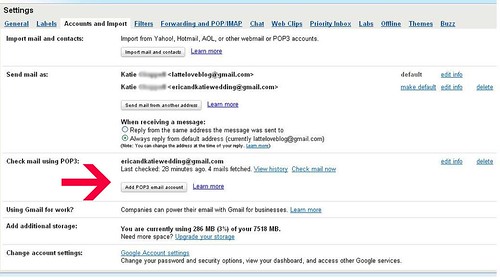
    The way I did this was first to create my new account. Go to account settings and select "Add Pop3 Email Account"

    bloginstruct1

    Follow the pop-screen prompts to add your old account emails to merge to your new inbox. I'm only planning to use this for a few weeks while I update my contacts/login information, and then I will delete the forwarding.

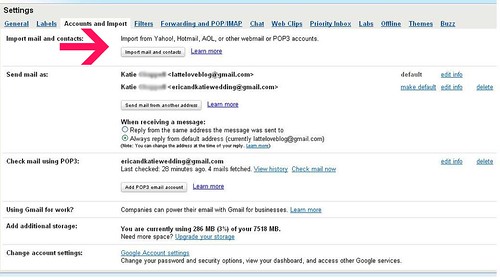
    Next, I imported all my old mail to the new inbox. Click on "Import Mail and Contacts"

    bloginstruct2
    You can then select the settings by which you want to categorize your old emails. Gmail automatically labels them with your old email address. I did manual searches and made my own labels such as "Wedding Planning" "Weddingbee" "Blog Comments" etc. Then I archived all the old emails so my inbox wouldn't look so cluttered.

  2. Add yourself as a blog admin
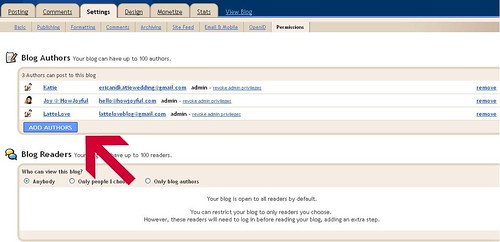
    Next I logged into blogger.com Settings->Permissions and added myself as an author to my blog. Logged out of old email, into new and accepted authorship. Then logged back into old and made the new address an administrator.

    bloginstruct3

    At some point I'll delete my old email off, but not until I transfer my profile information.
    Joy is a blog admin because she designed my amazing blog template!

  3. Change your blog stats
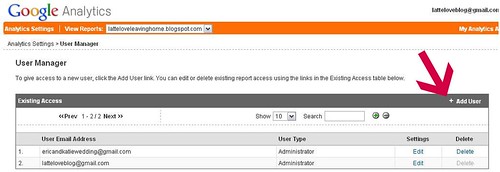
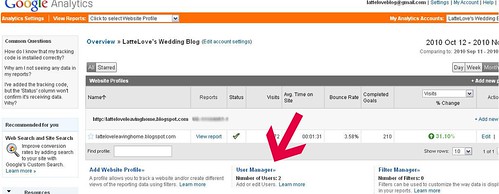
    I use Google Analytics and FeedBurner to track my readership. Figuring out how to transfer Google Analytics took a LONG time, but was really simple when I finally found the answer. (With all the tech help sites, I don't know why this isn't easier to find!)
    bloginstruct4


    Click "User Manager" and Add User.

    bloginstruct4b

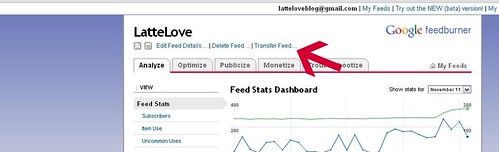
    Feed Burner
    Login and click into your account. Then select "Transfer Feed..." and type in your new email address.
    bloginstruct5

  4. You should know that at this point, it impossible to change your email address on a Google Adsense Account. This is frustrating, but I looked on a lot of help and discussions boards and they all come up with the same answer.

  5. Finally, go into all the website that use your old email address and change the settings (discussion boards, blogging sites, etc)
Finally sigh, take a deep breath and remind yourself not to change your email address again!
But I do hope this is able to save someone a little time and frustration.

Thursday, November 11, 2010

An Evening at Casa Latte

E has been a studying monster lately.
I miss him, but its a great excuse for some girly indulgence.

On tonight's menu:
(I know--Miley Cryus. but I couldn't help myself!)

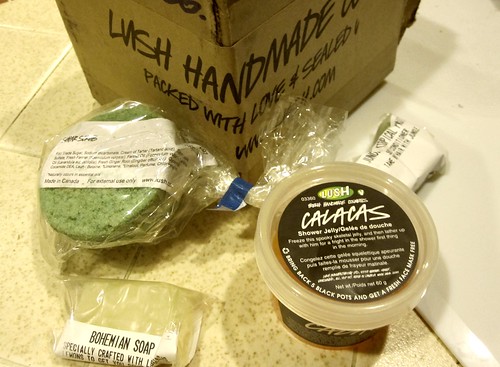
I also finally cashed in on this giveaway from ages ago. Thanks again, Jenna! I'm excited to try the sugar scrub in the tub tonight :-)

IMG_2208


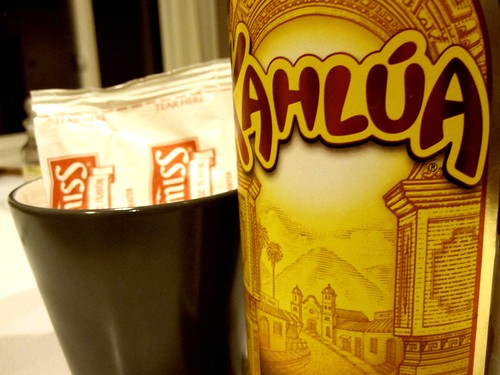
This has been my absolute favorite beverage on the 'almost' chilly nights we've been having lately. Creamy hot cocoa with a splash of kahlua. YUM.

IMG_2211

Hope your evening has been just as delightful!

Wednesday, November 10, 2010

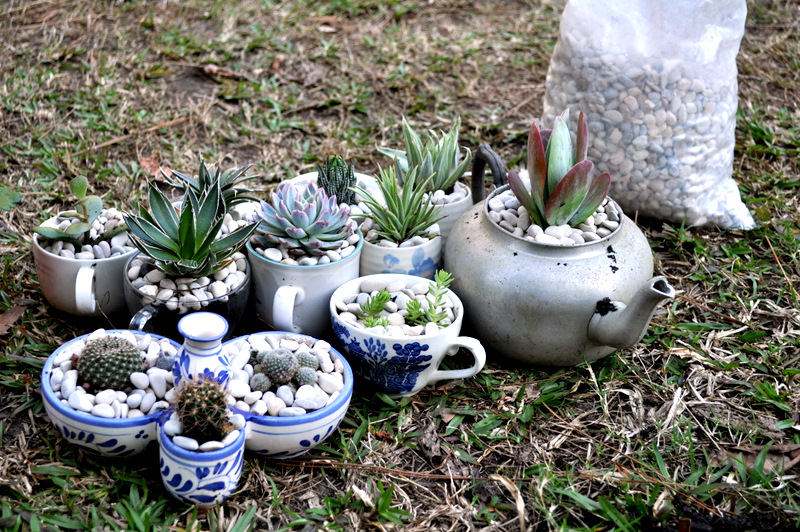
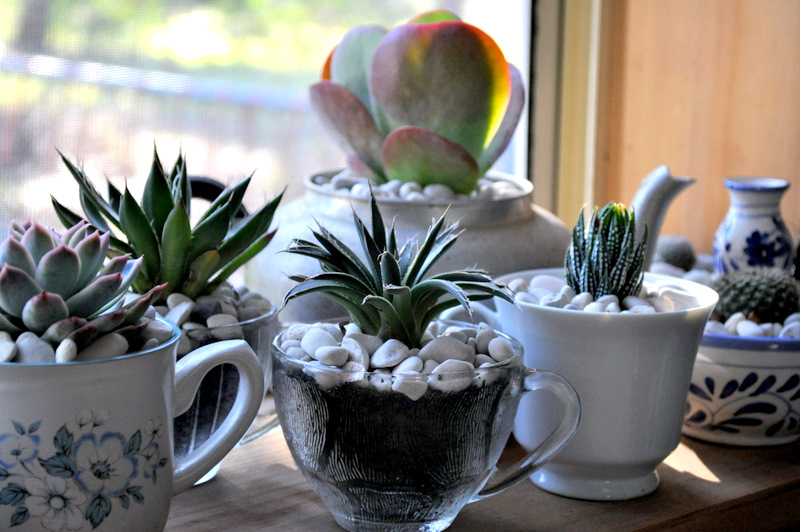
DIY Gift Guide: Teacup Succulents

I love succulents and living in Southern California means that they thrive here. But putting them in a teacup? Genius!
Check out the tutorial on Epheriell Designs

This is a great gift idea for friends or a hostess gift for a party.
(I especially love the delft, because of my dutch heritage)


How sweet does this little teacup succulent garden look in a windowsill?

Hope this inspires you to create a DIY Christmas gift of your own!

Tuesday, November 9, 2010

Precocious Poet

Remember this darling video that spread the web a couple of months ago?

This week, Samuel's mom posted on Facebook that he was going to get to meet Billy Collins at the University of Arizona Poetry Center.

NPR did a great interview with Billy, his parents, and (now) 4-year-old Samuel that I thought would be fun to share.


(photo by Annie Guthrie/University of Arizona Poetry Center)

I can't get over these sweet pictures of Billy reading books to Samuel during their visit.

(photo by Suzannah, Billy's fiancee)

What a neat opportunity for a 4-year-old with his hero--a poet!

I hope our future children inherit E's love of learning and appreciate literature as much as Samuel does!
 

Latte Love All rights reserved © 2008-2011 | I am a HowJoyful Design by Joy Kelley